This isn't an AI course. It's implementation that delivers.
Every participant finishes the program with 1 or 2 automated processes, in production and documented within their area. The outcome isn't a certificate: it's automations that work.
The problem isn't knowing which tools exist. It's implementing them.
Many companies invest in training, hand out certificates and, a month later, nobody applies what they saw. The tools stay in the browser, processes stay manual and costs don't go down.
×
Why traditional courses fail
×The team learns what ChatGPT is, but nobody automates a real process
×What gets taught doesn't apply to your company's specific processes
×There's no commitment to an outcome: nobody has to deliver anything concrete
×Without support, the first technical hurdle stalls progress and the project gets dropped
You pay for implementation
The program solves exactly that. Each participant picks a real process from their area and leaves it automated, in production, before the close. You pay for implementation, not for classroom hours.
Three phases so every participant finishes with their automation in production.
Phase 01
kickoff · chosen processes
LucíaFinance→Collections reconciliation
MartínSales→Proposal drafting
SofíaHR→New-hire onboarding
DiegoOperations→Order entry
4 processes chosen · one per person
On-site kickoff: discover and choose
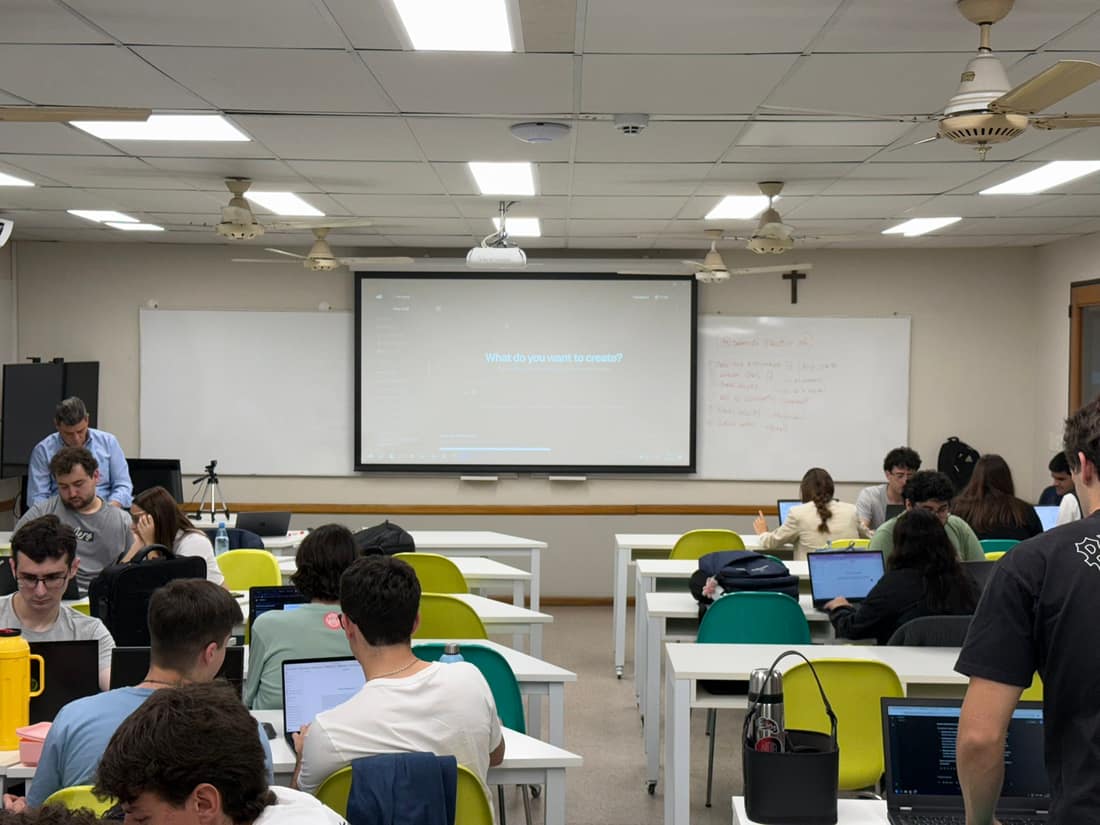
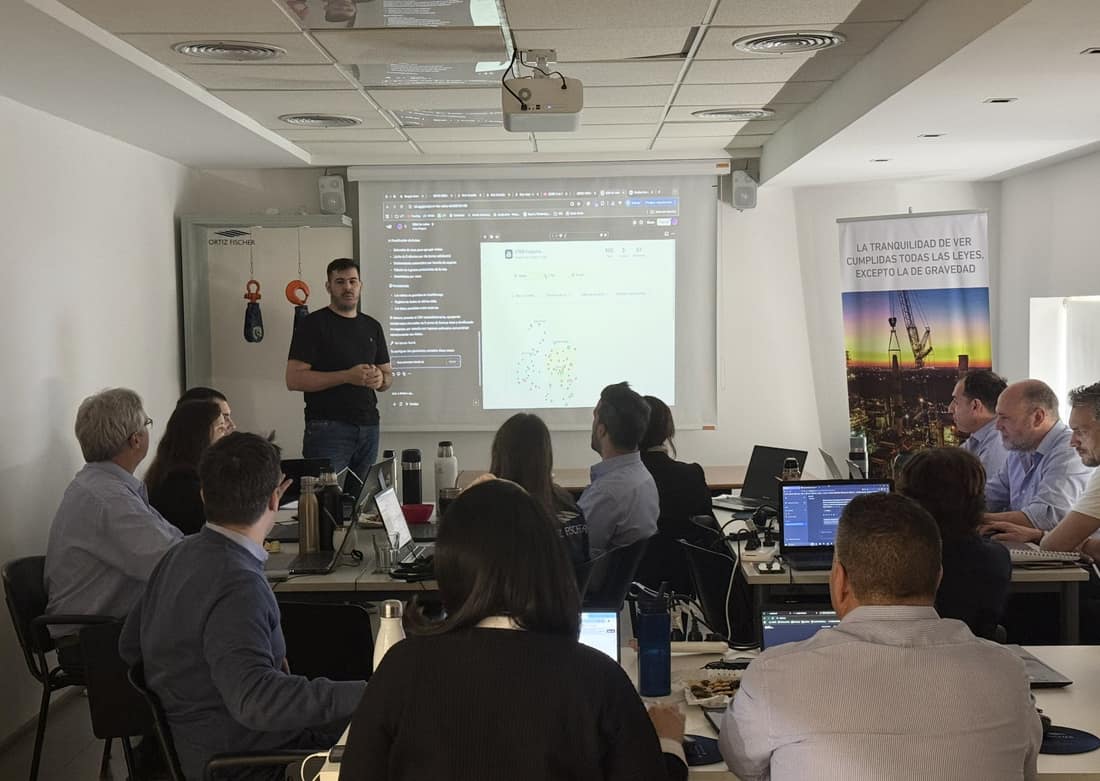
We come to your company. In an on-site session we show, live, the AI tools relevant to your operation: what each one does, where it adds value and how they combine. It's not a lecture: it's a guided exploration. By the end, each participant has a concrete process from their area assigned to automate. They don't leave with notes: they leave with a project.
On-siteNext phase →
Phase 02
progress per participant
LucíaIdeaPrototypeProduction
MartínIdeaPrototypeProduction
SofíaIdeaPrototypeProduction
DiegoIdeaPrototypeProduction
1:1 virtual sessions with our team
Guided implementation: videos and 1-on-1 virtual sessions
Each participant works on their project with two support channels: a video library that goes deep on each tool at their own pace, and one-on-one sessions with our team to clear blockers. This is where the automation goes from idea to production. Nobody works alone: each person has support until their process is up and running.
VirtualNext phase →
Phase 03
closing demo
10:00LucíaCollections reconciliationin production
10:15MartínProposal draftingin production
10:30SofíaNew-hire onboardingin production
10:45DiegoOrder entryin production
Everyone shows their automation running
On-site delivery: a demo for the team
We come back to your company. Each participant presents to their peers what they automated, how it works and how much time it saves. The session closes the cycle with a concrete deliverable, not a certificate, and multiplies the learning: each solution sparks ideas for other areas. The program ends when every participant can show their automation running.
On-site
The commitment
Every participant finishes with 1 or 2 automated tasks in production.
It isn't the optimistic promise of a course: it's the contractual outcome of the program. If by the close of phase 3 someone on your team doesn't have their automation running, the program isn't over. That's the difference between paying to train and paying to implement.
Per participantContractual outcome
01At least one automation per person, in production
02Documented and maintainable by your team after the program
03Demonstrated in front of their peers before the close
What your company brings
For the implementation to work, your company brings three things.
01Requirement
Your team and its processes
Between 8 and 25 people with high-volume manual processes
A prior interview with team leaders to map the critical areas
Each participant brings a real process they want to automate to phase 1
02Requirement
The right licenses
LFT tells you which licenses need to be active before starting
Usually Google Workspace or Microsoft 365 (whatever your company already uses) and 1 or 2 specific AI platforms
Without active licenses, phase 2 can't move forward
03Requirement
Space for the 2 on-site sessions
A room for all participants, with their laptops
A projector or screen and stable connectivity
2 days reserved on the team's calendar (kickoff and delivery)
Program clients
Companies that have already trained their teams with LFT.
Gallery
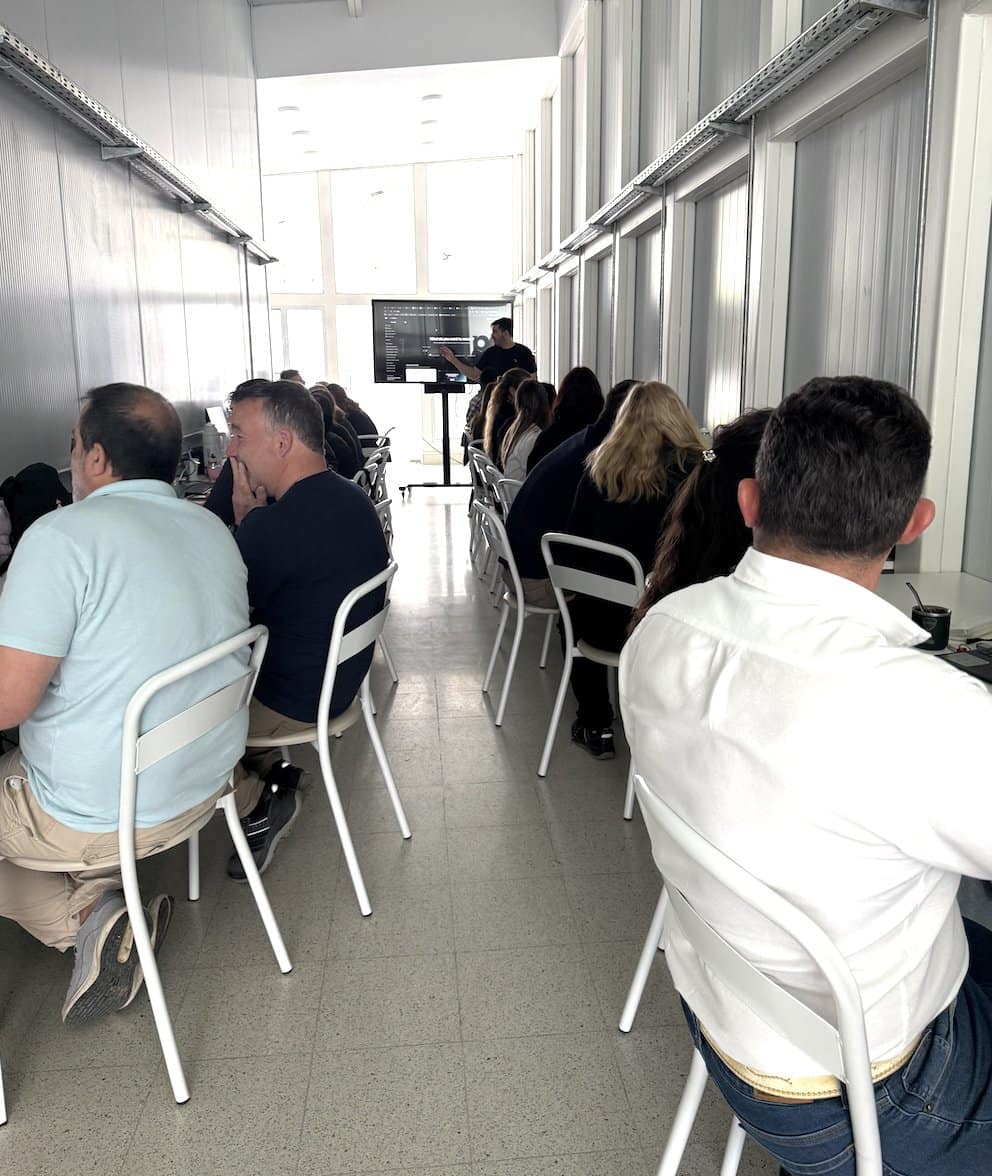
Teams implementing during the program.
Frequently asked questions
Good questions. Straight answers.
If your question isn't here, we'll answer it on the first call.
Can I choose the AI tools I want my team to be trained on?+
The standard program comes with a defined set of tools we know work well together. If your company needs to work on a specific tool outside that set, we evaluate it in the kickoff meeting. It's possible to add it, but it changes the scope and the price. The criterion is simple: we prioritize what will actually get implemented, not what would be interesting to teach.
How do I keep track of the team's attendance and projects?+
We give you a campus customized for your company. There you take on-site and virtual attendance, see the projects each team member chose in phase 1, track progress during phase 2, access the video material and review the final deliverables with their grades. It's the hard data you keep to audit the program.
What information does my company keep after the program?+
The main thing: the automations running. Each participant leaves their solution running in their area, documented and maintainable by your team. On top of that, from the campus you take away the detail of which processes each person wanted to automate, which reached production, which tools they ended up using and which needs were left unresolved. That map is the input for planning the next phase.
What format is it in and on which days does it take place?+
We run the two on-site sessions (kickoff and delivery) at your company, on days we coordinate with your team. The 1-on-1 calls in phase 2 are virtual, scheduled around each participant's availability. The video library stays accessible 24/7 from the campus. The total duration is agreed in the kickoff meeting based on the team's size and the complexity of the chosen processes.
Which licenses do I need to have purchased before starting?+
Before phase 1 we tell you exactly which licenses need to be active for the automations we're going to implement to work. It generally includes Google Workspace or Microsoft 365 (whatever your company already uses) plus 1 or 2 specific AI platforms depending on the processes we'll tackle. It's a non-negotiable requirement: without the licenses active, the implementation stalls in phase 2.
Training that delivers
Let's schedule thefirst session.
In 30 minutes we learn what your team does, which tools it already uses and which processes take the most time. You leave the call with a first map of the highest-impact automations and how we'd organize the 3 phases at your company.